


eSPACE enhances your facility management experience by integrating seamlessly with Rock RMS through our Quick Event Create plugin. This powerful tool is designed for current eSPACE users who also utilize Rock RMS, allowing for an effortless and efficient event creation process.
Effortless Event Creation:
With the Quick Event Create plugin, you can initiate event planning directly within Rock RMS. The process is straightforward: create your event and then switch to eSPACE with a simple transition.
Conflict-Free Scheduling:
Once in eSPACE, you’ll benefit from our advanced conflict detection system. It checks the availability of your selected spaces, resources, and services, ensuring that every event is scheduled without double-booking.
Utilize the Setup tab to complete internal forms associated with your spaces, resources, and services. This step ensures all details are captured accurately, allowing for any necessary edits before the event goes through the eSPACE approval process.
This integration requires an existing eSPACE Event Scheduler account. Users new to the eSPACE Quick Event Create plugin can find it in the Rock Shop and must follow the provided Documentation Link for detailed installation, setup instructions, and guidance on event creation.
Once your event is established in eSPACE, you can leverage the full array of features offered by the eSPACE Event Scheduler. This includes viewing all event-related items on your internal calendar, adding Approval Areas, and designating Sub-Admins to approve associated items, among others.
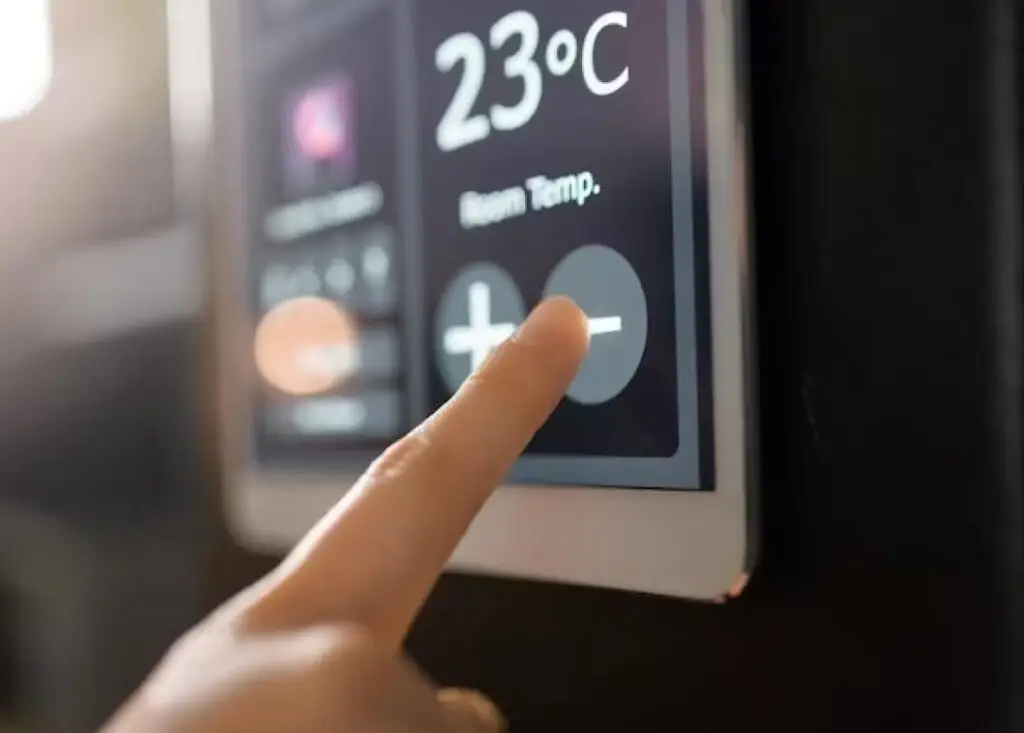
Improve your facility’s efficiency and security by integrating your HVAC, Access Control and/or Digital Signage systems with eSPACE Event Scheduler with FACILITeSPACE.
Request a live demo to transform the way you steward your facility.
Smart Church Solution’s team are experts in church facility stewardship, offering software solutions for event management and work order & asset management to improve the efficiency of your building and your team, and consulting services related to facility management training and assessments.