

We recently made the case that requiring a Certificate of Insurance (COI) from every vendor, contractor, and outside group using your facility is one of the most important risk management steps a church can take.
Now we want to answer the next question: once you know you need to collect and track COIs, how do you actually do it well—without it becoming a paperwork nightmare?
The honest answer is that most churches manage this documentation poorly, not because they don’t care, but because they lack the right system. COIs get emailed to someone’s inbox and are never filed. Spreadsheets get outdated. Binders get lost. A vendor’s policy quietly expires, and nobody notices until something goes wrong. And the community group that has been meeting in your fellowship hall for three years? Nobody ever asked them for a certificate at all.
There is a better way. And for churches that are serious about facility management and risk reduction, it lives inside eSPACE.
The Problem with “We’ll Just Track It in a Spreadsheet”
Spreadsheets are the default for many church administrative tasks, and for simple lists, they work fine. But tracking COIs across vendors and third-party facility users is not a simple list. It is a living, time-sensitive compliance function that requires:
- Knowing which vendors are currently active on your campus.
- Tracking which outside groups are using your facility and on what schedule.
- Monitoring policy expiration dates in real time for both vendors and facility users.
- Confirming coverage types and limits meet your requirements in real time.
- Storing proof of coverage in a retrievable, auditable format.
- Alerting staff before a policy lapses—not after.
A spreadsheet cannot do most of that automatically. It requires manual updates, constant attention, and institutional memory that walks out the door every time a staff member leaves. The result is a false sense of security: the spreadsheet says you’re covered, but the data is three months stale—and the weekly AA group in your multipurpose room has never been on the spreadsheet at all.

What eSPACE Does Differently
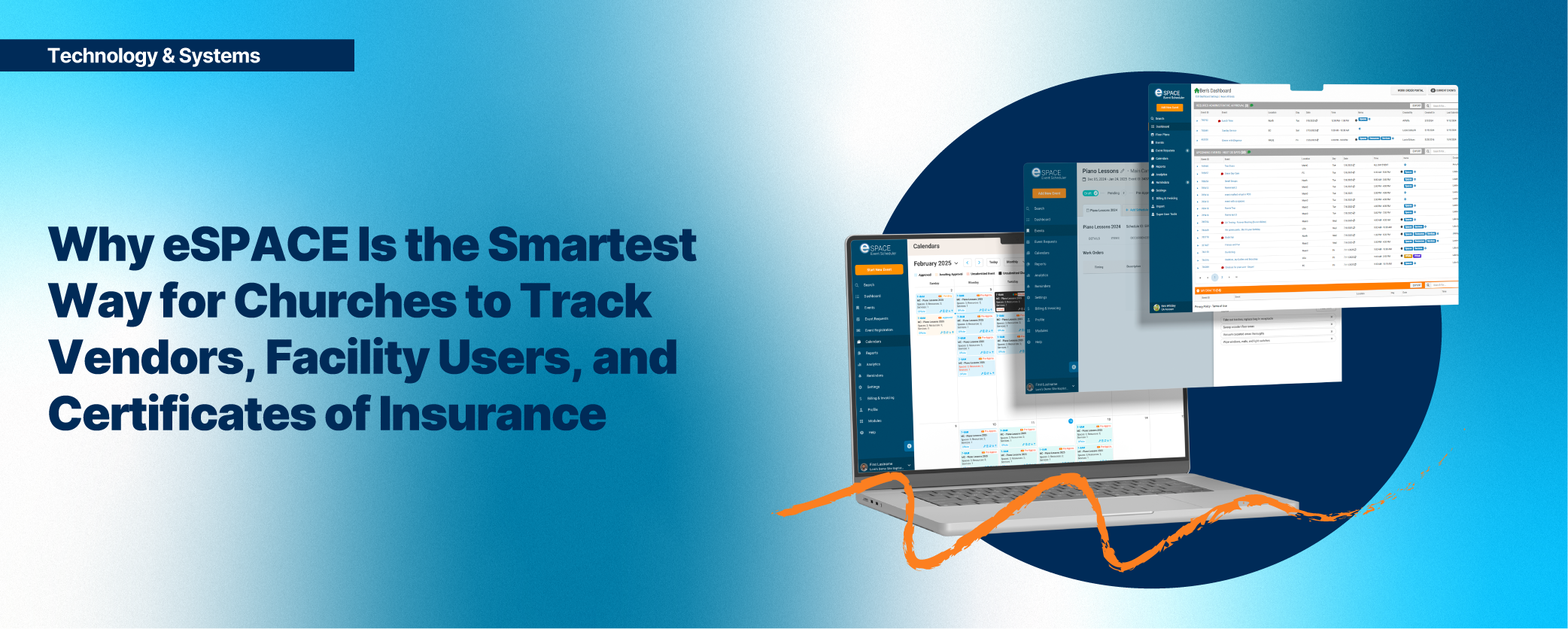
eSPACE is purpose-built for church facility and operations management. It brings together work orders, preventive maintenance, space scheduling, and vendor management under one roof—and that integration is exactly what makes it so powerful for COI tracking across your entire universe of outside relationships.
Rather than keeping vendor information in a separate system (or no system at all), eSPACE lets you build complete profiles for every outside party—contractors, service vendors, and third-party facility users alike—that include insurance documentation alongside work history, contact information, event schedules, and service records. Everything related to an outside party lives in one place, visible to the right people, always current.
| What You Can Track Inside eSPACE for Every Vendor or Facility User: – Organization name, contact details, and category (vendor, renter, community group, etc.) – Certificate of Insurance documents (uploaded and stored) – Coverage types: General Liability, Workers’ Comp, Auto, Umbrella – Policy limits and effective/expiration dates – Additional Insured status confirmation – Facility Use Agreement and signed documentation – Event or service schedule tied to that party – Work order and service history (for vendors) – Notes, contracts, and other compliance documents |

The Power of a Single Source of Truth
When eSPACE becomes your system of record for vendor and COI management, something important shifts: accountability becomes structural rather than personal. You no longer rely on a single staff member remembering to follow up with a contractor or the community group that books your gym every Thursday. The system holds the record—and the system doesn’t forget.
This matters enormously in a church environment, where staff turnover is common and operational knowledge is often undocumented. When a new facilities director comes on board, they don’t have to reconstruct your vendor relationships or your facility use history from scratch. They open eSPACE, and the full picture is there: who your vendors are, which outside groups use your building, whether their insurance is current, and when it needs to be renewed.
That continuity is not just convenient. It is a risk management asset in its own right.
Expiration Alerts: Catching the Gap Before It Becomes a Claim
One of the most dangerous moments in vendor management is the window between when a policy expires and when someone notices. That gap—even if it lasts only a week or two—is a period of real exposure. Any work performed during that time by an uninsured vendor is work that your church’s policy may have to cover.
eSPACE addresses this directly. By storing expiration dates within the vendor record, your team can identify upcoming renewals before they become problems. Rather than reacting to a lapsed certificate, you’re proactively reaching out to vendors to obtain updated documentation—before any exposure window opens.
This proactive posture is what separates churches that manage risk well from those that manage it reactively. And it is far easier to maintain when your system is built to surface that information automatically, rather than requiring someone to manually audit a spreadsheet every month.
Tying COIs to Work Orders and Space Scheduling: Closing the Loop
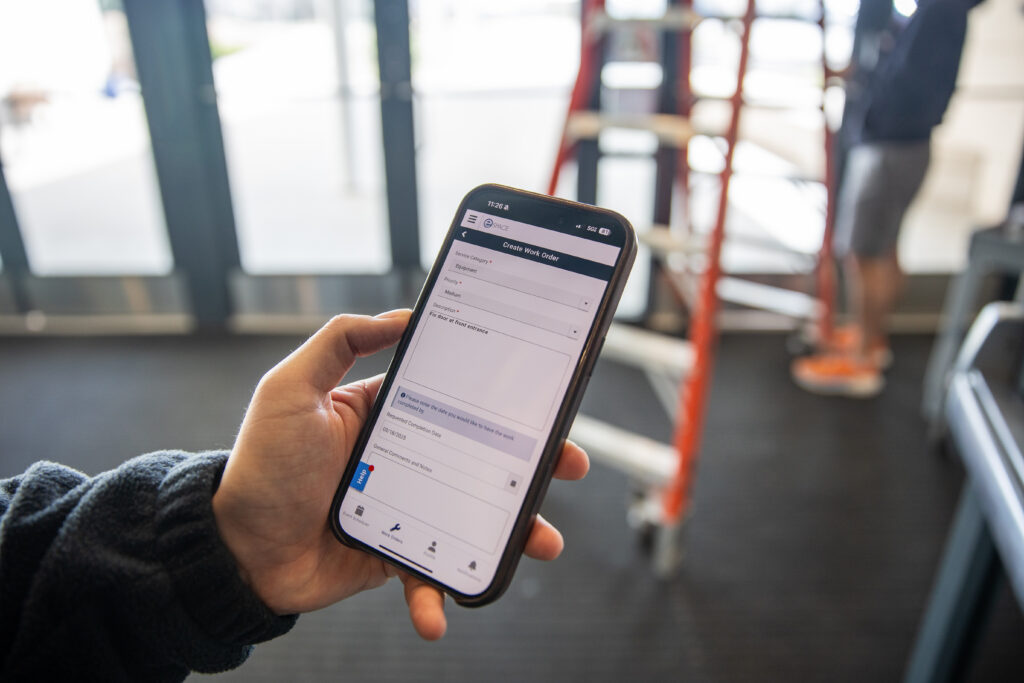
Here is where eSPACE does something no spreadsheet can: it connects vendor compliance to actual work, and facility user compliance to actual space bookings. When a work order is created and assigned to a vendor, your team can immediately verify—within the same system—whether that vendor has a current, valid COI on file before the work begins.
The same principle applies to outside groups using your facility. Because eSPACE connects space scheduling with party records, your staff can confirm that a third-party group has a valid COI and a signed Facility Use Agreement on file before their reservation is approved and they are handed a key. The group record, the insurance documentation, and the space booking are all connected.
This closes the loop in a way that siloed systems never can. You are not checking a binder, then opening a spreadsheet, then logging into email to find an old attachment. The question “Does this vendor or group have a current COI?” has an immediate, reliable answer—inside the same platform you already use to manage your building.
For churches with active facilities—running multiple contractors simultaneously, hosting recurring community groups, managing large campuses, or handling frequent event setups and teardowns—this integration is not a nice-to-have. It is essential.
Supporting Audits, Claims, and Board Accountability
There will come a day—perhaps during an insurance renewal, a denominational audit, or an unfortunate incident—when someone asks your church to prove that you had proper vendor documentation in place. In that moment, what you want is the ability to pull up a complete, organized record in seconds.
eSPACE makes that possible. Every uploaded COI, every vendor interaction, and every work order is timestamped and retrievable. If a claim is ever filed and the question arises of whether the vendor was insured at the time of the incident, you have the documentation to answer definitively.
For church boards and leadership teams, this is also a governance advantage. Being able to demonstrate that your facilities team has a systematic, documented approach to vendor compliance reflects well on the organization’s stewardship practices—and may influence your insurance premiums favorably over time.
| 💡 The eSPACE Advantage at a Glance – Centralized profiles for vendors AND third-party facility users, with insurance docs in one place – Expiration date visibility so no policy lapses go unnoticed—for anyone – Work order integration that ties vendor compliance to actual service requests – Space scheduling integration that ties facility user compliance to actual reservations – Audit-ready documentation available instantly when needed – Reduced reliance on individual staff memory or manual spreadsheet upkeep – Consistent process that survives staff transitions and leadership changes |
Getting Started: Making eSPACE Your Vendor Hub
If your church is already using eSPACE for work orders or space scheduling, adding vendor and COI management for both contractors and facility users is a natural next step that deepens the value of the platform you already have. If you are not yet using eSPACE, the compliance management capability alone—combined with the liability protection it enables—makes it worth the conversation.
Here is a straightforward approach for getting your records into shape inside eSPACE:
- Compile your complete outside-party list. Identify every contractor, service provider, and vendor currently doing work on your campus—and every outside group that uses your facility on a regular or recurring basis.
- Build out each profile in eSPACE. Enter contact details, category (vendor, community group, renter, etc.), and any relevant notes about their work or use of your facility.
- Request and upload COIs. Contact any vendor or facility user without a current COI on file and request updated documentation. Upload each certificate directly to their eSPACE profile alongside any signed Facility Use Agreement.
- Record expiration dates. Enter policy expiration dates so your team has visibility into upcoming renewals and can act before coverage lapses.
- Set your policy: no COI, no work order. Make it a standing rule that work orders are not assigned to any vendor without a verified, current COI in their eSPACE profile.
- Set your policy: no COI, no space reservation. Apply the same rule to facility users. No outside group gets an approved booking until their COI and Facility Use Agreement are on file in eSPACE—without exception.
The Bottom Line
Your church’s facilities are a sacred trust. The vendors who serve them and the outside groups who use them should all be qualified, accountable, and properly insured—and your systems should make it easy to verify all three. Spreadsheets and file folders can’t do that reliably. eSPACE can.
By making eSPACE your single source of record for vendor management, facility use tracking, and COI documentation, you are not just organizing paperwork. You are building a culture of operational excellence that protects your congregation, honors your donors, and positions your ministry to serve without interruption—regardless of who is working in your building or meeting in your rooms.
That is what good stewardship looks like in practice. And it is exactly what your facilities team deserves.
Ready to bring your vendor and COI management into one place? Learn more about eSPACE facility management here.
This blog is for informational and educational purposes only and does not constitute legal or insurance advice. Churches should consult with a licensed insurance professional and/or legal counsel to develop policies appropriate to their specific circumstances and jurisdiction.